
Velox Player — Review Activation
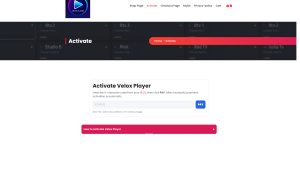
Payment is temporarily disabled during store review. Please enter the Activation Code from the TV app and press Confirm.
How to Activate Velox Player
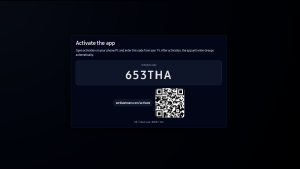
Step 1. After installing the app and launching it on your TV, the following screen will appear.
Write down the web address shown on the screen, or use your mobile phone to scan the QR code, which will take you directly to the activation page.
Do not close the app or turn off your TV while performing this step.
Step 2 On the activation page, you need to complete the payment. After the payment is completed,
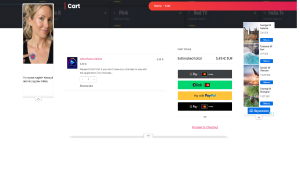
Step 3 Your player will be activated, and the screen on your TV will automatically change to display the information needed to set up your TV channel playlists.
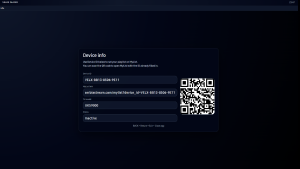
Step 4 After that, you need to exit the application and launch it again. Once restarted, the channel list will appear on your TV, and your player will be ready for use.
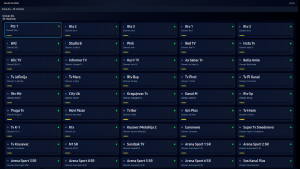
We wish you a pleasant experience using Velox Player
If you experience any issues during activation or setup, please contact our support team.